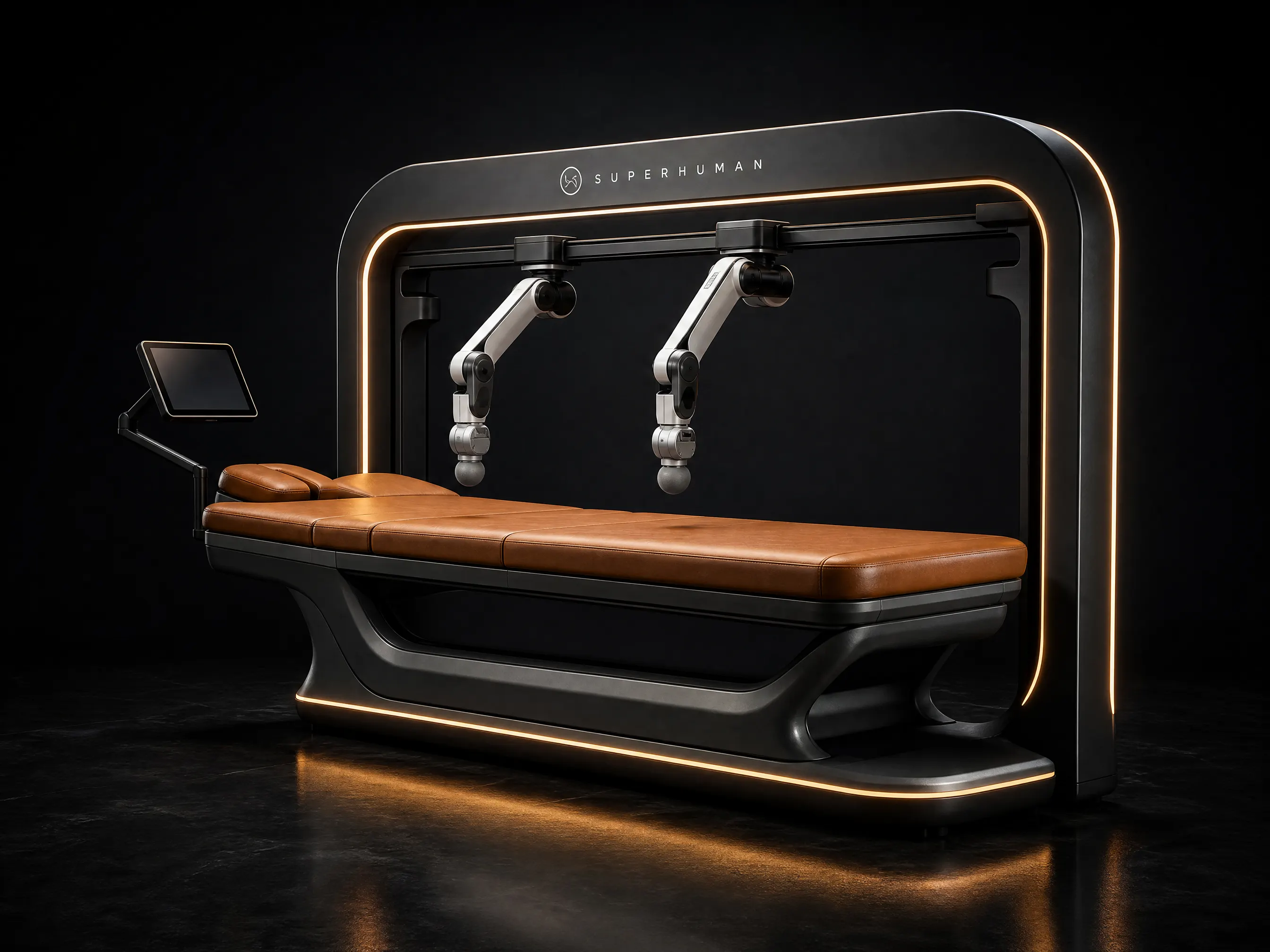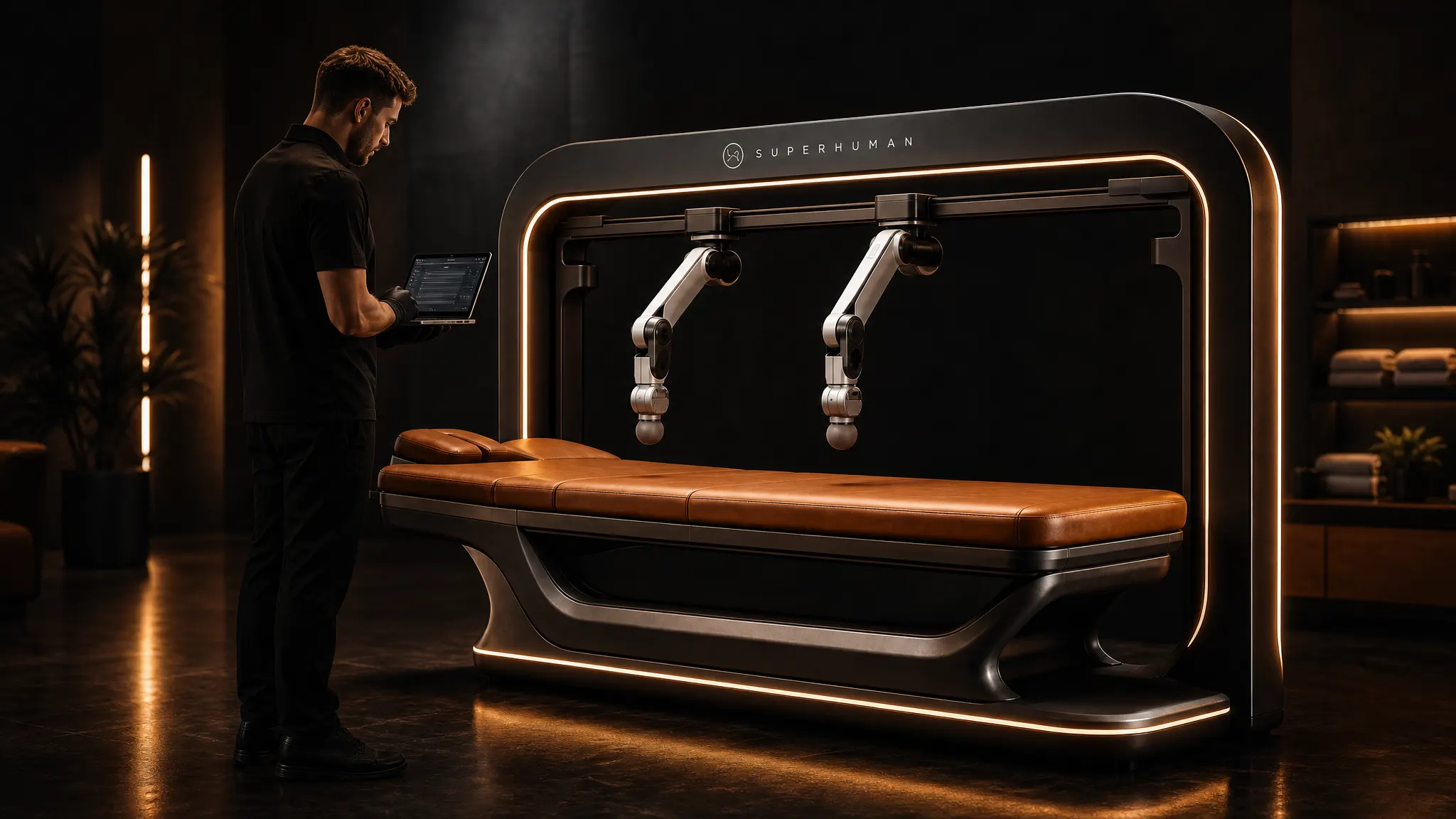
The Superhuman Touch T1 includes a 2-year parts and labour warranty, remote monitoring and software updates. Our own team handles installation, calibration and training. Here is what that covers and how it works.
What the warranty covers
For two years from commissioning, we cover:
- Parts: robotic arms, motors, sensors, the rail frame, control electronics and the guest touchscreen.
- Labour: diagnosis and repair by our technicians, on site or remote.
- Software: fixes and updates to the robot’s control software.
If a covered part fails in normal commercial use, we repair or replace it at no charge.
What is not covered
- Damage from misuse, accidents, liquids or vandalism
- Repairs, moves or changes by anyone other than our team or an approved partner
- Damage from power faults, surges or wiring outside the site spec
- Wear items such as table covers and padding
- Cosmetic wear that does not affect function
The full terms come with your written quote.
Remote monitoring
The T1 connects over Wi-Fi or Ethernet. With your permission, we watch system health, error logs and usage. Many faults can be found, and often fixed, before your staff notice. Monitoring does not record guests.
Software updates and new routines
Updates arrive over the network. They can include bug fixes, safety improvements and new massage routines. We schedule updates outside your opening hours where we can.
Preventive maintenance
A robot that runs many sessions a day needs regular care. We give your staff a simple daily and weekly checklist covering cleaning, a visual check and a short self-test. Our technicians also plan preventive visits to check calibration and wear. After the warranty, an optional service plan keeps this going.
Response targets
| Issue | Target |
|---|---|
| First remote response | Within 1 business day |
| Remote fix attempt | Within 2 business days |
| On-site visit, if needed | Scheduled within 5 business days |
These are targets, not guarantees. On-site times depend on your location and parts availability.
After the warranty
When the two years end, you can choose an optional service plan. It keeps remote monitoring, software updates and preventive visits going for a yearly fee. You can also pay for repairs as needed. We quote parts and labour before any paid work starts.
Getting help
If something goes wrong, first press the guest stop button if a session is running. Then contact us through the operator dashboard, by email or by phone. Tell us the error message on the screen and what happened just before it. Our team can often connect remotely, see the logs and guide your staff through a fix.
How installation works
- Fit check. We review your room, door widths, access route, floor and power. The T1 needs a dedicated 120 V or 240 V circuit on a 20 A breaker and a room of about 3.0 × 2.6 m.
- Delivery. Our team delivers the robot and positions it in the room.
- Installation and calibration. We assemble, level and calibrate the arms. Then we run test sessions and commission the system.
- Training. We spend one day with your staff on guest check-in, session setup, safety, cleaning and the operator dashboard.
For safety design details, read massage robot safety. For payment options, see financing. Questions? Check the FAQ or contact us.