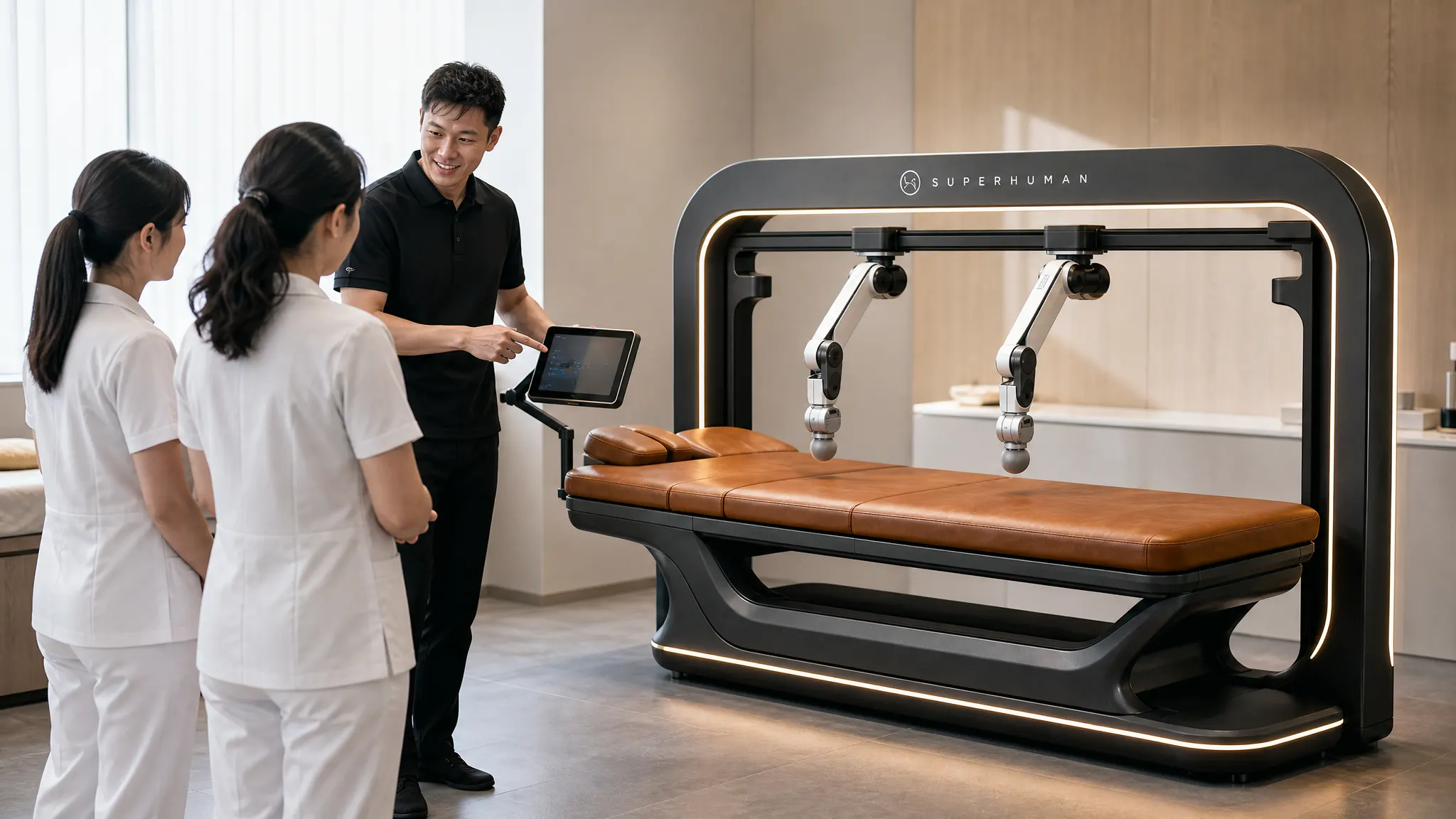
Massage robots are kept safe by layers that work together. The machine limits force, detects collisions and gives the guest a stop button within reach. Your business adds guest screening, cleaning between sessions, staff on call and the right insurance. This guide covers each layer, using the Superhuman Touch T1 as the example.
Massage robots are wellness devices. They are not medical devices, and the T1 is not FDA cleared. Anyone with a health condition should talk to their physician before a session.
Safety layers at a glance
| Layer | What it does | Who owns it |
|---|---|---|
| Force limiting | Caps how hard the arms can press | Machine |
| Guest pressure control | Lets the guest set and lower pressure at any time | Guest |
| Stop button | Halts the session at once | Guest |
| Collision detection | Stops or backs off on unexpected contact | Machine |
| Remote monitoring | Flags faults and pushes updates | Manufacturer |
| Screening | Identifies guests who should not use it, or need clearance | Your staff |
| Supervision | Staff start sessions and stay on call | Your staff |
| Cleaning | Keeps contact surfaces hygienic | Your staff |
| Insurance and records | Covers the business and documents use | Owner |
Force limits
A massage robot uses force sensors in its arms to measure how hard it presses, many times per second. The software holds pressure near the level the guest has chosen.
On top of that target, there is a hard force limit. The robot will not exceed it, whatever the routine or setting. This is the most important machine-side safety feature. It means a software error in a routine, or a guest who asks for “harder”, cannot push the arm past a safe cap.
On the T1, the guest sets the pressure on a touchscreen and can lower it at any time. New guests should start low. For more on how sensing works, read how massage robots work.
Stop buttons and guest control
The guest is always in control. The T1 has a stop button placed within the guest’s reach for the whole session. Pressing it halts the arms at once.
Teach every guest, every time:
- Where the stop button is.
- How to lower the pressure on the touchscreen.
- That they can stop for any reason, including simple discomfort.
Voice prompts also explain what is happening during the session, so the guest is never surprised by a change in routine.
Collision detection
Guests move. They shift, cough, lift an arm or try to sit up. Collision detection watches for unexpected resistance and contact. When it sees something outside the plan, the robot stops or backs away.
Combined with the body scan that runs before every session, this keeps the arms on the guest’s body where they are meant to be and away from places they are not.
Remote monitoring
The T1 is remotely monitored over Wi-Fi or Ethernet. The machine reports its status, so faults can be flagged early, and software updates, including safety improvements, can be delivered without a site visit. Remote monitoring and updates are included with the T1. See service and warranty.
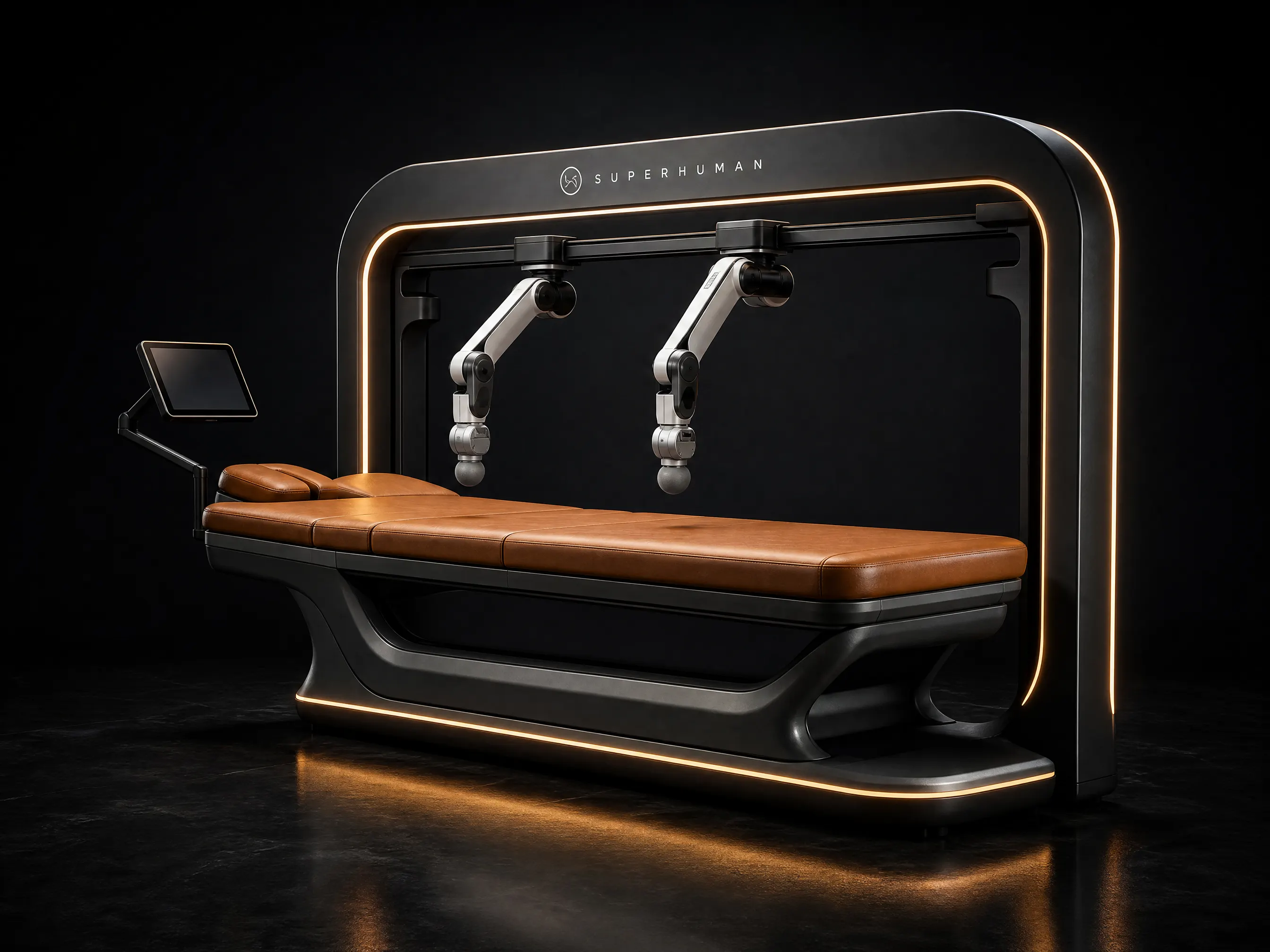
Superhuman Touch T1
A full-body massage that never calls in sick.
- Arms
- 2 robotic arms
- Session
- 30–60 min
- Guest
- Stays clothed
- Power
- 120/240 V · 20 A
Screening guests before a session
The machine’s safety features do not replace screening. Ask every guest a short set of health questions before their first session and whenever their health changes. Use plain language and keep a record.
The U.S. National Center for Complementary and Integrative Health (NCCIH) says the risk of harmful effects from massage therapy appears to be low, but notes rare reports of serious side effects such as a blood clot, nerve injury or bone fracture. It also advises people who are unsure whether massage is right for them to talk to their health care provider.
Common reasons to hold off, or to get physician clearance first:
- Recent surgery, fractures or acute injuries.
- A history of blood clots, or taking blood thinners.
- Open wounds, burns, rashes or skin infections.
- Severe osteoporosis or other conditions that weaken bones.
- Pregnancy.
- Implanted medical devices.
- Any condition a guest’s physician has said makes massage unsuitable.
This list is a starting point, not medical advice. When in doubt, the answer is “check with your physician first”. Never tell a guest that a session will treat a condition.
Cleaning and hygiene
Guests stay clothed on the T1, which makes hygiene simpler than with oiled, hands-on massage. Contact surfaces still need care.
Between every guest:
- Wipe the table surface, face cradle and any armrests.
- Wipe the padded end effectors on both arms.
- Replace any disposable face cover or linen.
- Wipe the touchscreen and stop button.
- Log the time and initials.
Use only cleaning products the manufacturer approves for each surface. Harsh chemicals can damage padding. Your training day covers the exact routine for the T1.
Daily, check padding and covers for wear or tears, and report damage before the next session. Keep the room ventilated and the floor clear.
Supervision and staff training
No therapist needs to be in the room during a T1 session. That does not mean no one is watching.
- Start every session yourself. Staff confirm the booking, check screening, explain the stop button and start the session from the operator dashboard.
- Stay on call. Someone should be able to reach the room within a few minutes.
- Know the response. If a guest presses stop, staff check on them, note what happened and decide with the guest whether to continue.
- Log incidents. Any early stop, discomfort or fault goes in a simple log.
One day of staff training is included with every T1. Train new staff before they run sessions alone.
Room setup for safety
- A private room of about 3.0 x 2.6 m, with clear space around the 2.4 x 1.6 m footprint.
- A dedicated 120 V or 240 V circuit on a 20 A breaker, installed by a licensed electrician.
- No trailing cables or clutter around the table.
- Good lighting for staff, dimmable for guests.
- A clear path from the room to the front desk.
Insurance and documentation
Talk to your insurance broker before your first session. Ask them to confirm:
- Your general liability policy covers a wellness device used by guests on site.
- Whether you need any added cover for equipment or business interruption.
- What records they expect you to keep.
Keep these documents on file:
- Electrical listing and safety documentation, supplied with your written quote.
- Signed guest consent and screening forms.
- Session, cleaning and incident logs.
- Your staff training records.
- Service and warranty records.
Clinics should also read our guide for physical therapy clinics, which covers clearance and documentation in a clinical setting.
Next steps
Review the full safety specs on the T1 product page, learn what a massage robot is, or contact us to request compliance documentation with a written quote.
Sources
- NCCIH, Massage Therapy: What You Need To Know: https://www.nccih.nih.gov/health/massage-therapy-what-you-need-to-know